¶ General
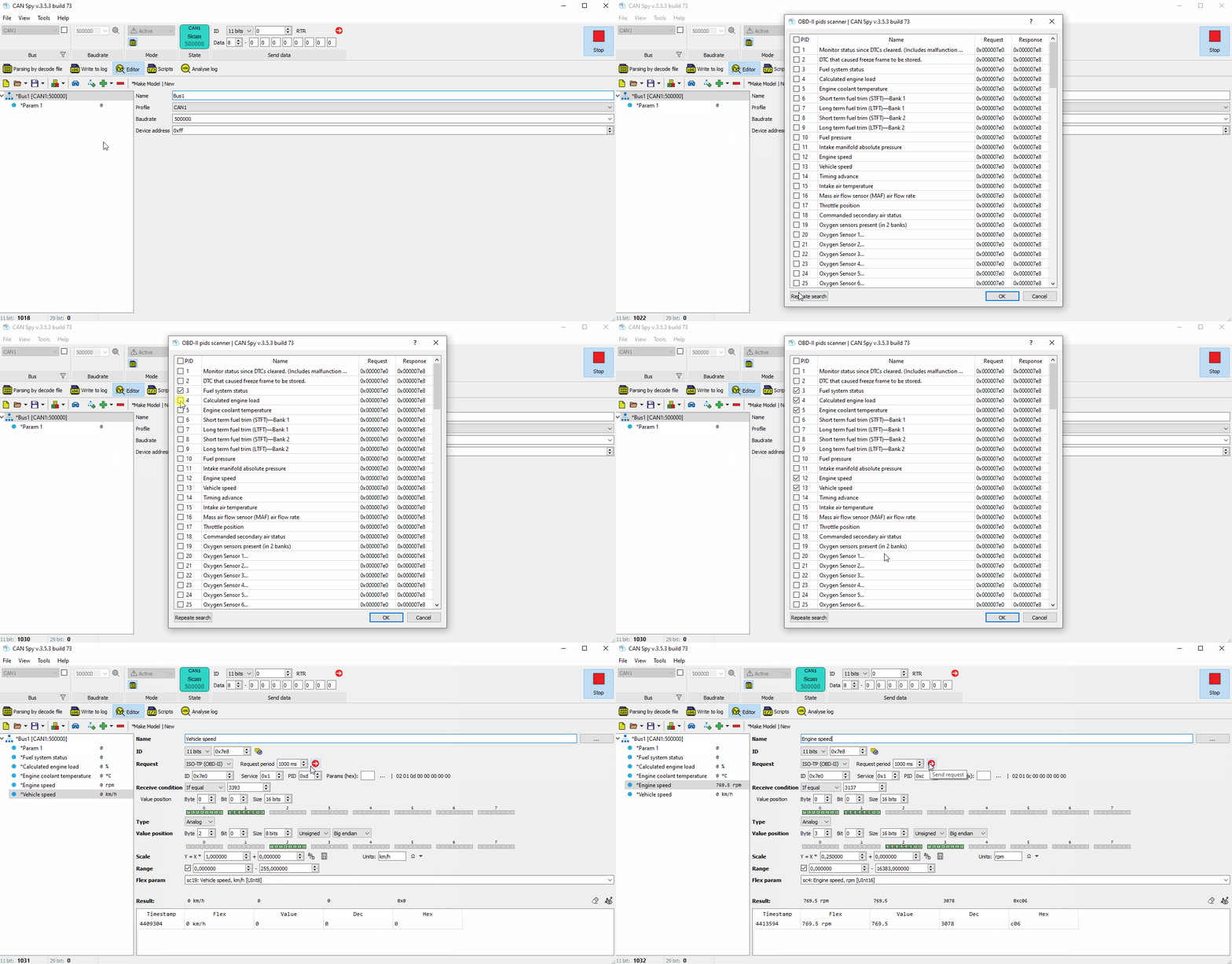
The function automatically detects parameters available for request and allows the user to add them to the project.
This tool helps configure standard requests for a custom decoding file when connected to OBD-II in active scanning mode.
¶ Searching and Adding Requests
- Open CAN Spy.
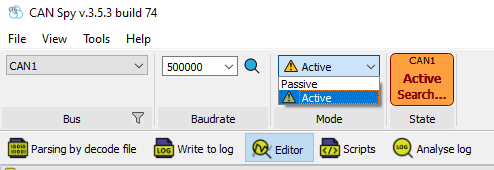
- Start scanning in active mode.
- Go to the Editor tab.
- Expand the Add Parameter menu and select Find OBD-II Parameters.
- Start scanning for available PIDs (Parameter IDs).
- Select the required parameters from the list of detected PIDs.
- Add them to your custom decoding file.