¶ Procedure
-
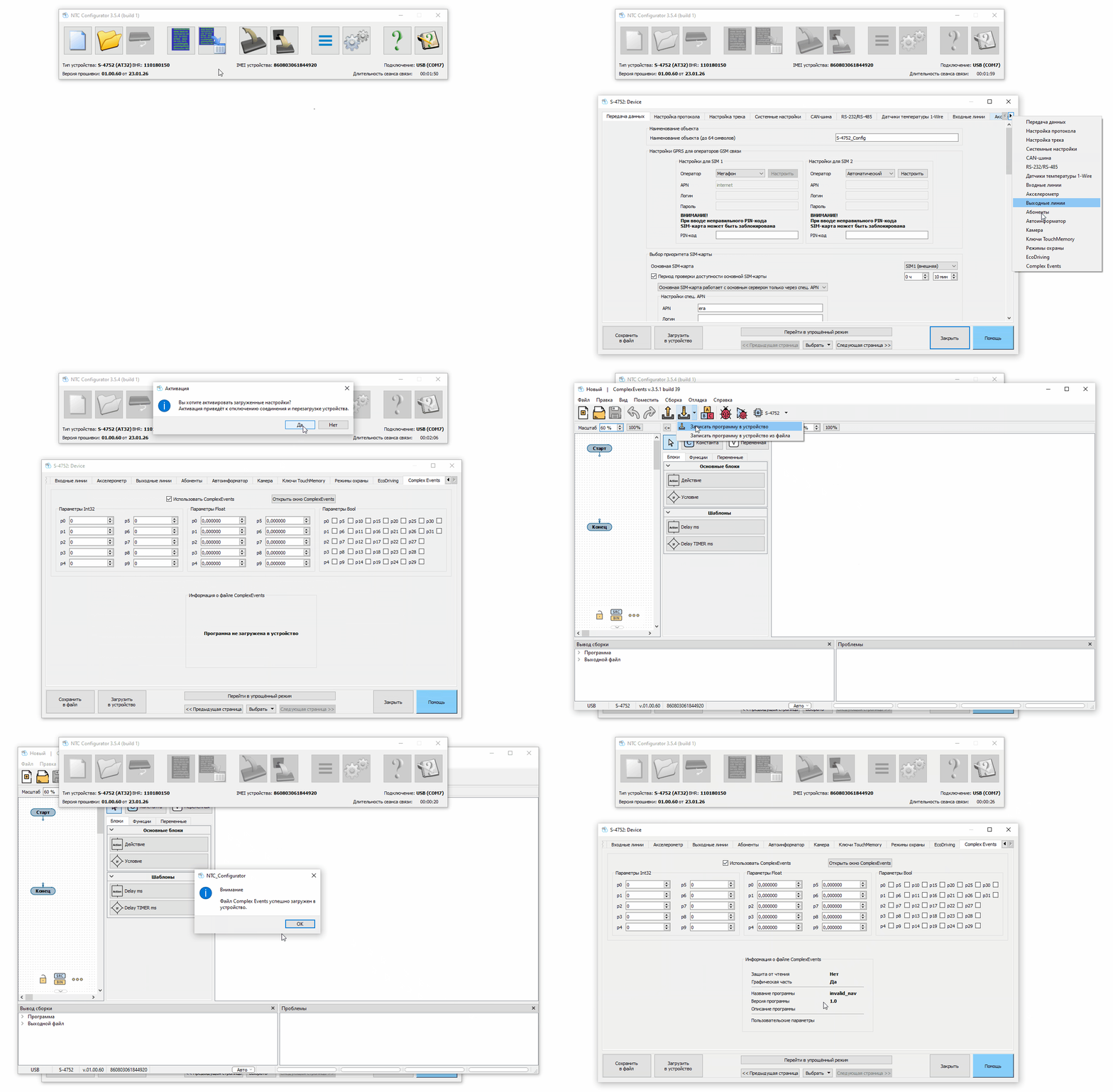
Connect the device to NTC Configurator via USB or remotely.
-
Open the device configuration and go to the Complex Events tab.
-
Make sure the feature is enabled.
(If it is disabled, enable it, write the configuration to the device, and then return to this step.) -
Open the editor.
-
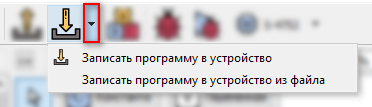
Select Upload Program to Device from File.
¶ Animated Example